
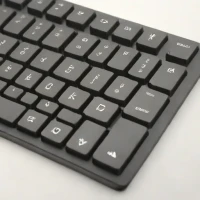
description Arteck Bluetooth Keyboard Overview
help Arteck Bluetooth Keyboard FAQ
How do I charge the Arteck Bluetooth Keyboard?
The keyboard features a built-in rechargeable battery that is powered via a standard USB cable. You simply plug the included USB cable into a computer or wall adapter to recharge it.
Is the Arteck Bluetooth Keyboard compatible with Mac computers?
Yes, it pairs seamlessly with macOS devices, as well as Windows, iOS, and Android operating systems. There are specific key layouts available depending on whether you purchase the Windows or Mac-optimized version.
Does the Arteck Bluetooth Keyboard have a backlit feature?
Arteck offers both backlit and non-backlit versions of their slim Bluetooth keyboards, so you must check the specific model number before purchasing. The backlit versions allow you to adjust the brightness levels manually.
How many devices can the Arteck Bluetooth Keyboard pair with simultaneously?
Most standard models of this keyboard are designed to pair with one active device at a time. To switch to another device, you must disconnect and manually pair it via your new device's Bluetooth menu.
explore Explore More
Similar to Arteck Bluetooth Keyboard
compare_arrows Compare: Anker Ultra Slim Bluetooth K... See all arrow_forward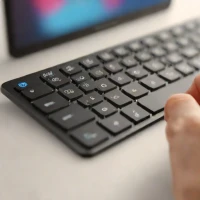


Reviews & Comments
Write a Review
Be the first to review
Share your thoughts with the community and help others make better decisions.


