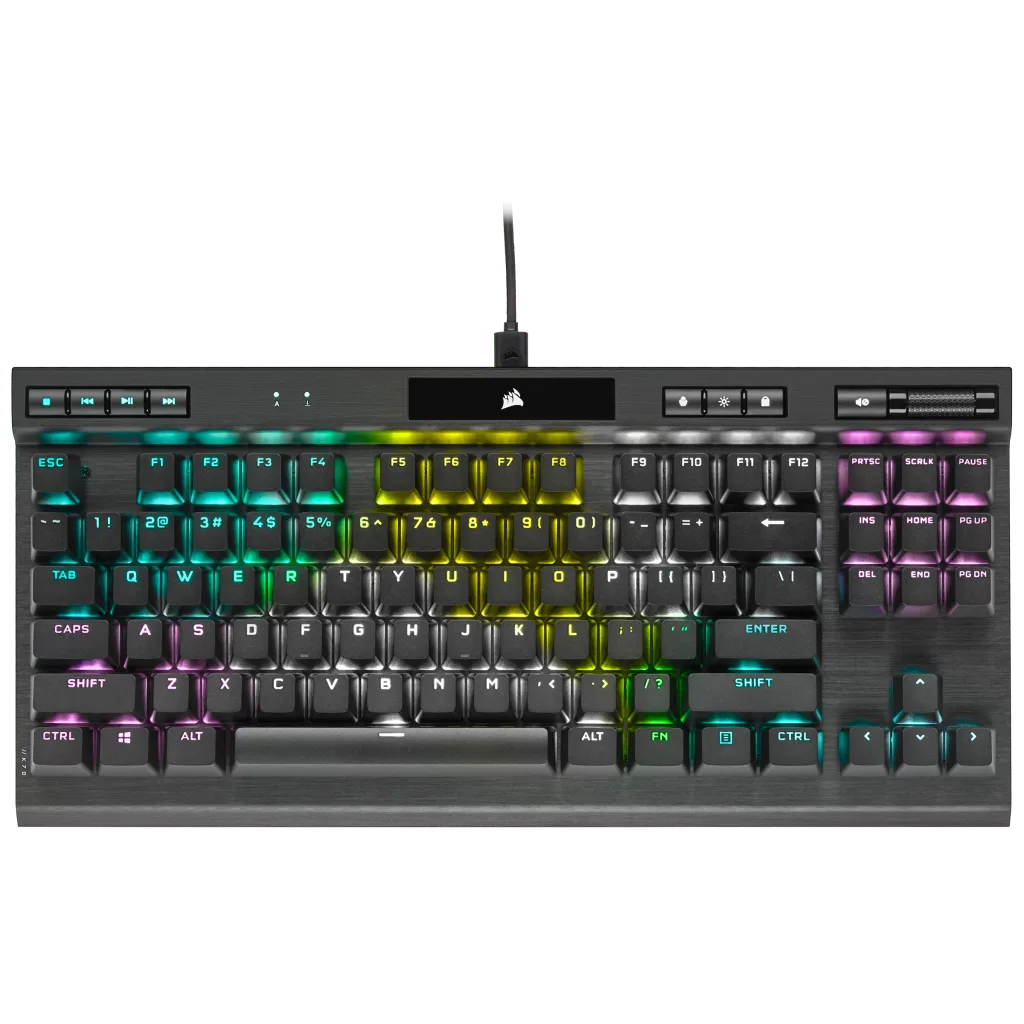
description Kinesis Gaming Freestyle Edge Overview
The Kinesis Freestyle Edge is a split mechanical keyboard designed with gamers in mind. The two halves are connected by a thin cable and can be positioned shoulder-width apart to promote a natural posture. It includes adjustable tenting legs and memory foam palm rests. It uses Cherry MX switches (Red, Brown, Blue) and features per-key RGB and basic macro programming.
While not as programmable as a QMK board, it offers a crucial ergonomic advantage for gamers who spend long sessions at the desk and want to reduce shoulder and wrist strain.
info Kinesis Gaming Freestyle Edge Specifications
| Weight | 1.5kg |
| Dimensions | 325mm x 678mm x 39mm |
| Connectivity | USB |
| Number Of Keys | 104 |
| Key Switch Type | Cherry MX (Brown, Red, Blue, Clear, Clear Tactile) |
| Switches Per Half | 52 |
balance Kinesis Gaming Freestyle Edge Pros & Cons
- Adjustable tenting legs
- Memory foam palm rests
- Split design for natural posture
- Cherry MX switches available
- Higher price point compared to non-split keyboards
- Limited customization options for switch and keycap colors
- Requires a cable between halves
- Not suitable for small desks due to size
help Kinesis Gaming Freestyle Edge FAQ
What types of Cherry MX switches are available?
The Kinesis Freestyle Edge offers a variety of Cherry MX switches including Brown, Red, Blue, Clear, and Clear Tactile.
Can I use different switch types on each half of the keyboard?
Unfortunately, you cannot mix switch types between the two halves as they are separate units connected by a cable.
How does the split design affect typing speed?
The split design promotes a more natural and comfortable posture which can improve long-term typing efficiency but may take some time to get used to initially.
What is Kinesis Gaming Freestyle Edge?
The Kinesis Freestyle Edge is a split mechanical keyboard designed with gamers in mind. The two halves are connected by a thin cable and can be positioned shoulder-width apart to promote a natural posture. It includes adjustable tenting legs and memory foam palm rests. It uses Cherry MX switches (Red, Brown, Blue) and features per-key RGB and basic macro programming. While not as programmable as a QMK board, it offers a crucial ergonomic advantage for gamers who spend long sessions at the desk and want to reduce shoulder and wrist strain.
How good is Kinesis Gaming Freestyle Edge?
How much does Kinesis Gaming Freestyle Edge cost?
What are the best alternatives to Kinesis Gaming Freestyle Edge?
What is Kinesis Gaming Freestyle Edge best for?
This keyboard is best suited for gamers and professionals who prioritize ergonomics and comfort over cost.
How does Kinesis Gaming Freestyle Edge compare to ZSA Moonlander Mark I?
Is Kinesis Gaming Freestyle Edge worth it in 2026?
What are the key specifications of Kinesis Gaming Freestyle Edge?
- Weight: 1.5kg
- Dimensions: 325mm x 678mm x 39mm
- Connectivity: USB
- Number of keys: 104
- Key switch type: Cherry MX (Brown, Red, Blue, Clear, Clear Tactile)
- Switches per half: 52
explore Explore More
Similar to Kinesis Gaming Freestyle Edge
See all arrow_forward

format_list_numbered Lists featuring Kinesis Gaming Freestyle Edge


Reviews & Comments
Write a Review
Be the first to review
Share your thoughts with the community and help others make better decisions.