
description VividFlow Overview
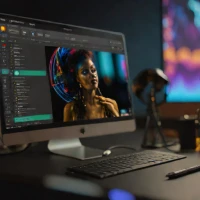
VividFlow specializes in film emulation and color grading, offering a vast library of film presets and a powerful color grading engine. It allows users to recreate the look and feel of classic film stocks, providing a unique creative option for their photos. The softwares intuitive interface and non-destructive workflow make it accessible to both beginners and experienced colorists.
help VividFlow FAQ
What does VividFlow do for photos?
VividFlow is designed for film emulation and color grading rather than basic cropping alone. It lets photographers apply a film-inspired look and then refine the image with a grading engine.
Does VividFlow include film presets?
The software includes a library of film presets intended to recreate the character of classic film stocks. Presets provide a starting point, while the color-grading controls allow further adjustments.
Who would use VividFlow instead of a simple photo filter app?
It is aimed at users who want more control over color, tone, and film-style rendering than a one-tap filter normally provides. The combination of presets and manual grading makes it more suitable for a deliberate editing workflow.
Can I fine-tune a VividFlow preset after applying it?
The catalog description presents VividFlow as having both preset controls and a color-grading engine. That means a preset can serve as the starting look before you adjust the image's color and tonal balance.
explore Explore More


Reviews & Comments
Write a Review
Be the first to review
Share your thoughts with the community and help others make better decisions.


