
description Brother MFC-J491CL Overview
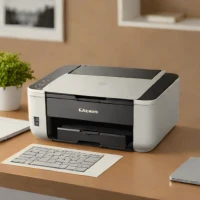
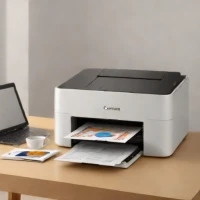
The Brother MFC-J491CL is a compact and versatile inkjet printer designed for home offices and small businesses. It excels at producing high-quality documents with vibrant color prints, thanks to its advanced print head technology. Featuring automatic duplexing, mobile printing via the Brother iPrint&Scan app, and a generous 250-sheet paper capacity, it simplifies everyday printing tasks. Its intuitive controls and low running costs make it an excellent value.
help Brother MFC-J491CL FAQ
Does the Brother MFC-J491CL use individual color ink cartridges?
Yes, this inkjet printer uses the standard Brother LC3011 or LC3013XL series ink cartridges available in cyan, magenta, yellow, and black. Using individual cartridges is more economical because you only need to replace the specific color that runs out.
Can the Brother MFC-J491CL scan and copy documents?
The "MFC" designation stands for Multi-Function Center, meaning the unit includes a flatbed scanner and digital copier in addition to printing. It also supports mobile protocols like Apple AirPrint and Wi-Fi Direct for cable-free operations.
Does this Brother inkjet printer support automatic two-sided printing?
Yes, the MFC-J491CL features automatic duplex printing to help you save on paper costs. The printer will automatically mechanically feed the paper back through to print on the second side without requiring manual intervention.
Can I connect this printer directly to my computer using a USB cable?
Yes, while the printer features built-in Wi-Fi for wireless networking, it also has a standard USB 2.0 port for a direct wired connection. This is particularly useful if you experience wireless interference or want a dedicated connection for a single desktop PC.
explore Explore More


Reviews & Comments
Write a Review
Be the first to review
Share your thoughts with the community and help others make better decisions.


