
description Hex Overview
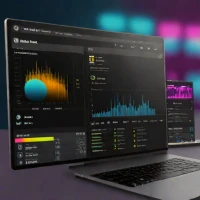
Hex is a modern collaborative data platform that combines the power of notebooks with the production capabilities of an app. It allows data scientists and analysts to write Python, SQL, and JavaScript in one place to clean data, build models, and create interactive dashboards. Unlike traditional static notebooks, Hex enables users to turn their analysis into shareable web applications instantly. It is designed for teams that need to move from 'exploration' to 'production' without switching between multiple disconnected tools.
help Hex FAQ
Can Hex run SQL and Python in the same project?
Yes. A Hex project can combine SQL cells, Python cells, tables, charts, and Markdown, allowing warehouse queries and subsequent analysis to live in one document.
Which data warehouses can Hex connect to?
Hex supports major cloud data systems including Snowflake, Google BigQuery, Amazon Redshift, and Databricks. Available authentication and connection options depend on the selected integration.
What is the difference between a Hex project and a Hex app?
A project is the working environment where an analyst writes queries, code, and visualizations. App mode turns selected outputs and controls into an interactive interface that colleagues can use without editing the underlying notebook.
Can several analysts edit a Hex notebook together?
Yes. Hex is built around browser-based collaboration, with shared projects, comments, version history, and workspace permissions.
explore Explore More


Reviews & Comments
Write a Review
Be the first to review
Share your thoughts with the community and help others make better decisions.


