
description Penoval A4 Stylus Overview
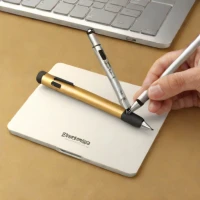
A capacitive stylus from Penoval designed for use with touchscreen devices, featuring a fine tip for writing and drawing on tablets.
help Penoval A4 Stylus FAQ
Does the Penoval A4 stylus work on an iPad or only on Chromebooks?
As a capacitive stylus, it works on essentially any modern touchscreen, including iPads, Android tablets, and phones, since it simply mimics your finger. Penoval is better known for its active USI styluses built specifically for USI-compatible Chromebooks like Lenovo's Duet line, but the A4's passive design trades smart features for universal compatibility.
Does the Penoval A4 need charging or Bluetooth pairing?
No, a capacitive stylus has no battery, no pairing, and no charging — you just pick it up and write. That contrasts with active pens like the Apple Pencil, which must be charged and linked to specific tablet models.
How accurate is the fine tip for note-taking and drawing?
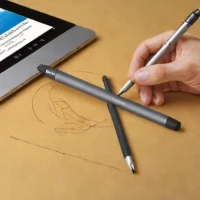
The slim tip lets you see more of your strokes than a fat rubber nib and makes handwriting and sketch outlines more precise. However, because it has no pressure sensitivity or palm rejection, you'll need a glove or an app with a wrist-guard feature for long drawing sessions.
Can I replace the tip on the Penoval A4 if it wears out?
Fine capacitive tips do wear with heavy use, and Penoval commonly includes spare tips or sells them cheaply for its stylus line. Carrying a replacement is wise if you use it daily for handwriting.
explore Explore More


Reviews & Comments
Write a Review
Be the first to review
Share your thoughts with the community and help others make better decisions.


