
description TruGlide Precision Stylus Overview
A capacitive stylus featuring a conductive microfiber tip designed for precise navigation and drawing on touchscreen devices.
help TruGlide Precision Stylus FAQ
Will the TruGlide Precision Stylus work on an iPad or Android tablet?
It is a capacitive stylus, so it should work with touchscreen devices that accept ordinary finger input, including many iPads and Android tablets. It does not require a special app or Bluetooth pairing for basic navigation and drawing.
What makes the TruGlide tip different from a plastic stylus tip?
The tip uses conductive microfiber, which is designed to feel smoother and make more controlled contact with a capacitive screen. It is intended for navigation and drawing, but it does not provide pressure sensitivity like an active Wacom pen.
Can I use the TruGlide Precision Stylus for handwriting?
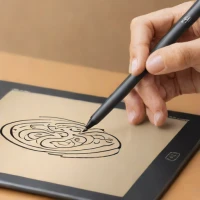
Yes, it can be used for handwriting in touchscreen note-taking apps. The result depends on the screen and app because a capacitive stylus generally registers like a finger rather than reporting pen pressure or tilt.
Does this stylus need charging?
No charging is needed for basic capacitive operation because the conductive microfiber tip transfers the touch signal directly. That also means it has fewer features than an active stylus that supports Bluetooth, pressure levels, or palm rejection.
explore Explore More
Similar to TruGlide Precision Stylus
compare_arrows Compare: Wacom Bamboo Stylus Fine See all arrow_forward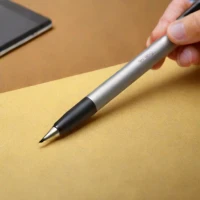
Reviews & Comments
Write a Review
Be the first to review
Share your thoughts with the community and help others make better decisions.


