
description Wacom Eraser Pen (accessory) Overview
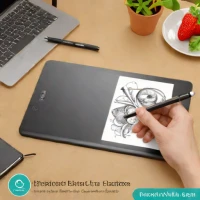
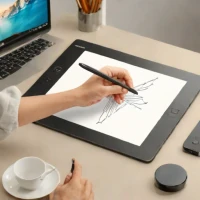
The Wacom Eraser Pen is an accessory designed specifically for use with the Wacom Intuos Pro Medium tablet. It provides a dedicated eraser tip integrated into a pen form factor.
This allows artists and designers to seamlessly switch between drawing and erasing within their digital artwork, streamlining workflows and offering precise control over corrections and adjustments. It’s particularly useful for professionals in graphic design, illustration, and animation who require efficient erasing capabilities.
help Wacom Eraser Pen (accessory) FAQ
Will the Wacom Eraser Pen work with the Intuos Pro Medium?
This accessory is intended for the Wacom Intuos Pro Medium and uses a pen-shaped body with a dedicated eraser tip. Compatibility still depends on the Intuos Pro generation and its pen technology, so check the tablet model before ordering.
Can I switch from drawing to erasing without changing tools in Photoshop?
If the tablet and application recognize the eraser end, turning the pen over lets the software receive an eraser input instead of selecting a separate brush tool. In Photoshop or Illustrator, the exact behavior still depends on the installed Wacom driver and active tool.
Does the Wacom Eraser Pen need batteries or charging?
Wacom Intuos Pro pens use electromagnetic resonance and are battery-free, so the pen itself does not need USB charging. The Intuos Pro Medium connects to the computer separately, while pressure and eraser input come from the pen.
Is the Wacom Eraser Pen the same as the Pro Pen 2 or Pro Pen 3?
No, those names refer to different Wacom pen accessories and they are not automatically interchangeable across every Intuos generation. Wacom lists Pro Pen 2 and Pro Pen 3 separately, so verify the tablet model number before ordering an eraser accessory. [Wacom](https://www.wacom.com/en-us/products/pen-tablets/wacom-intuos-pro?id=1)
explore Explore More


Reviews & Comments
Write a Review
Be the first to review
Share your thoughts with the community and help others make better decisions.


