
description Insta360 Link Overview
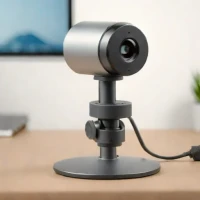
Mounted on a motorized gimbal, the original Insta360 Link can physically turn its camera to follow a moving presenter. Its 4K capture capability combines with subject tracking to make it useful for lessons, demonstrations and streams where the speaker does not remain in one position. Gesture controls offer a way to trigger supported actions without repeatedly returning to the computer. Dedicated modes adapt the framing to different tasks.
Whiteboard mode helps present a board, while DeskView angles the camera toward the work surface. A separate Overhead mode supports a top-down view when the camera is mounted appropriately. Software controls provide another way to manage these functions. Educators and creative presenters can benefit from switching between face-to-camera discussion and showing physical material.
More attention to placement and mode selection is needed than with a fixed webcam, but that flexibility is also what distinguishes the Link from simpler designs.
help Insta360 Link FAQ
Is the Insta360 Link suitable for low-light environments?
No, it is not recommended for use in low-light conditions without additional lighting due to its high-resolution sensor requirements.
Can I customize the settings of the Insta360 Link?
The software offers limited customization options compared to more advanced webcams.
explore Explore More



format_list_numbered Lists featuring Insta360 Link

Reviews & Comments
Write a Review
Be the first to review
Share your thoughts with the community and help others make better decisions.


